![1000X162.png]](https://kb.systemology.com/hs-fs/hubfs/1000X162.png?width=250&height=43&name=1000X162.png)
📥 How to Download Past Invoices
systemHUB clients can download copies of past invoices directly from their systemHUB accounts.
🔄 Step-by-Step Invoice Download Guide
- Log into your systemHUB account.
- Click on the Settings menu.
- Head to the Billing section.
- Choose the History tab.
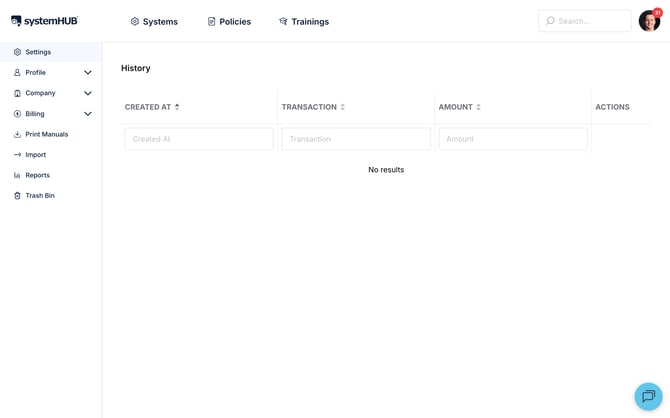
- Click the PDF button next to your desired payment to download a copy of the invoice.
✉️ Need Help with Your Invoices?
If you can't download your invoices, please email us at support@SYSTEMology.com with your request, including your account name and email, and we’ll send you an invoice.
🎉 You're All Set!
You can now quickly grab your billing history whenever your accounts team needs it. If you have any other questions about your subscription, don't hesitate to reach out!